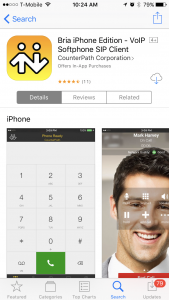
Download Bria from your app store.
Contact customer support to get a username and password to use with your soft client.
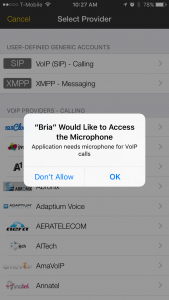
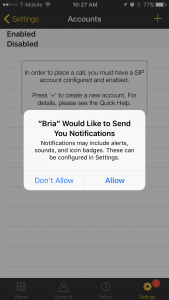
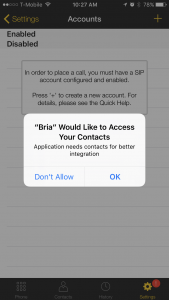
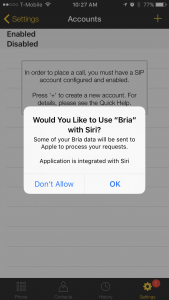
Open Bria and allow microphone access and notifications, the other parts are optional
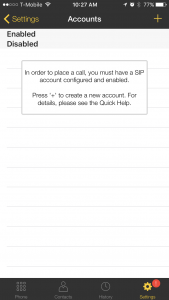
Hit the plus in the top right to add a new account
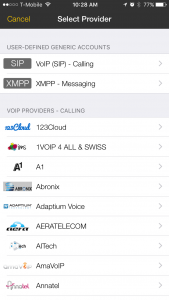
Now select the top option for SIP
Fill in Account Name, Display as, Username, password and Domain
Domain is meta.dmrcom.com
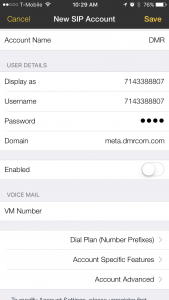
Click on Account Advanced to fill in the Out.Proxy with sip01.dmrcom.com
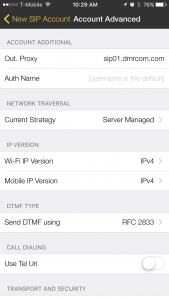
Go back to the account settings page and click Enabled, your Account status will change to registered
click on the far left side at the bottom to get a dial pad and make a test call.
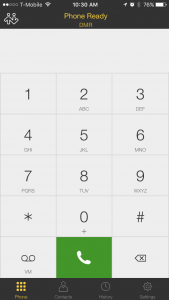
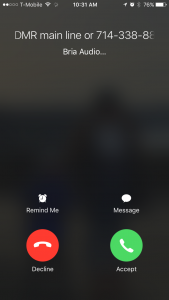
When you receive an incoming call you will get the following screen.